
Archives
Open ZIP, 7z, RAR and tar archives in X-Filer as folders, preview and copy files out of them, extract them and create ZIP files.
Open an archive like a folder
Double-click an archive — or choose Open — and it opens as a folder: browse inside, go into its folders, use the path bar, back and forward, quick preview and search as anywhere else.
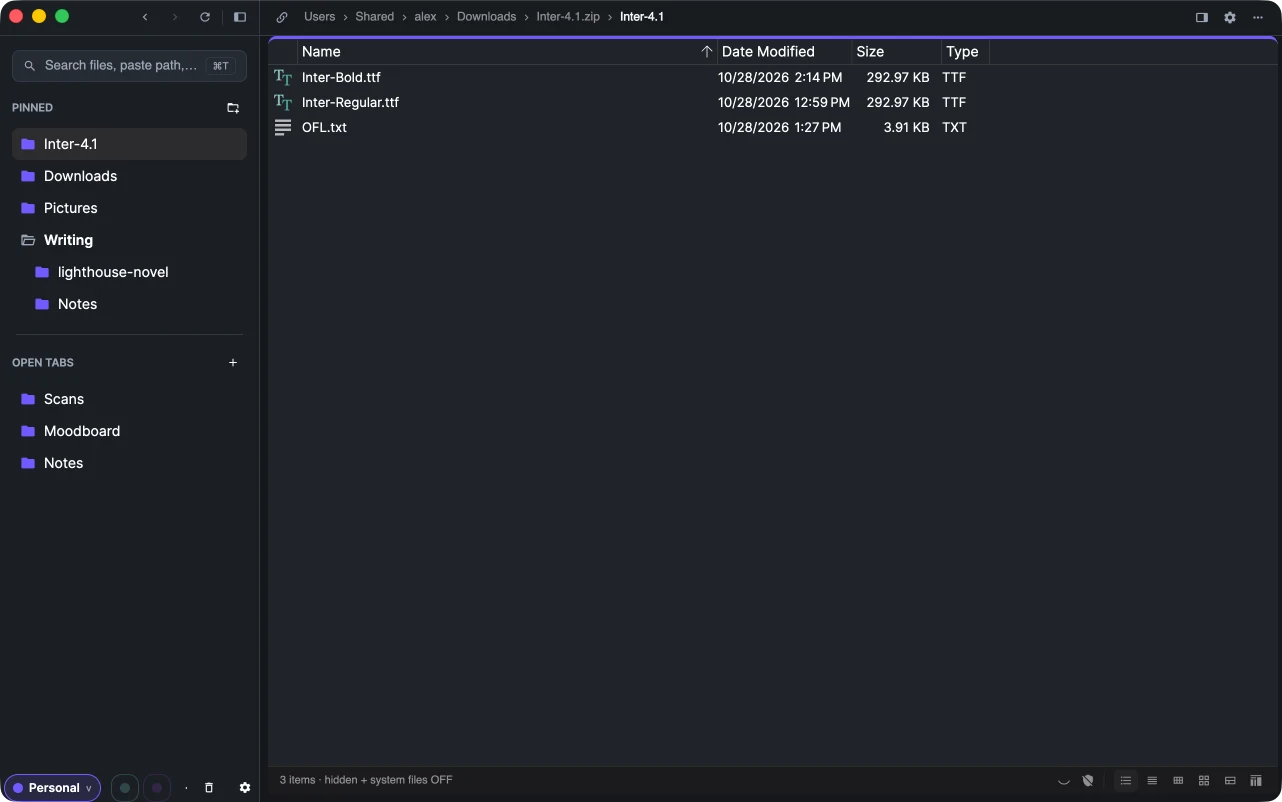
Supported: zip, 7z, rar, tar, tar.gz / tgz, tar.bz2, tar.xz and gz.
Archives open read-only. To change a file, copy it out first — drag it to another folder or pane, or Copy and Paste. Double-clicking a file inside an archive opens a temporary copy in its app. Password-protected archives do not open.
Extract
Extract Here in an archive's context menu unpacks all of it next to the archive. It works for every supported format and never writes anything outside the target folder.
Create a ZIP
Select files and folders and choose Compress to ZIP. The archive appears next to them; ⌘Z / Ctrl+Z removes it again.